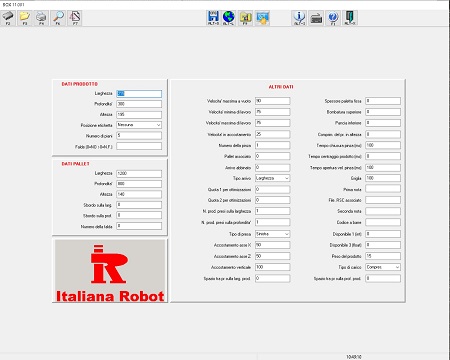
Main data
| Product dimensions (L, W, H or minimum and maximum diameter)
Pallet dimensions (L, W, H)
Number of layers
Label position
Possible product overhang beyond the pallet
Layer pad (interlayer) |
Secondary data
| Spacing between products
Gripper closing time
Barcode
Product weight
Operating speed
… |
Key advantages
| Easy and fast creation of a new pallet (< 5 minutes)
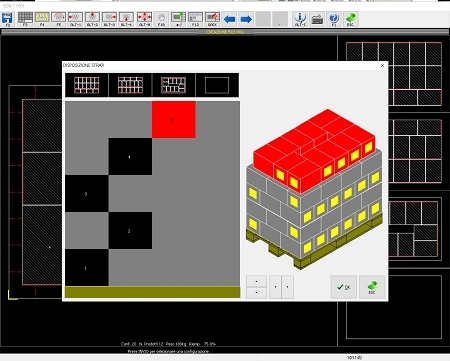
3D pallet visualization
Online help and language switching
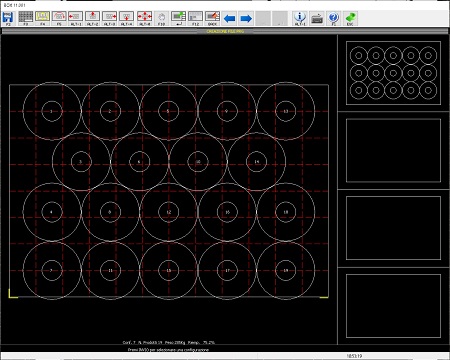
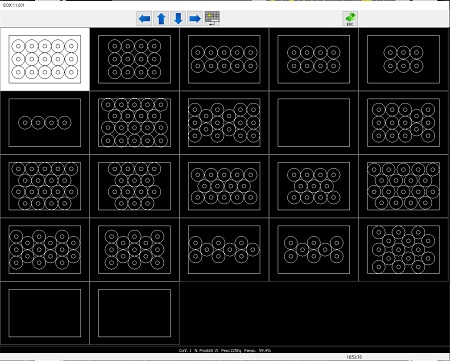
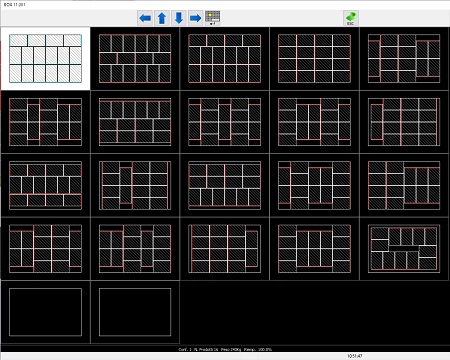
Space optimization for rectangular and cylindrical products
Product overlap control
Layer interlocking stability control
Configuration rotation for improved interlocking
Editing of automatically generated configurations
Manual creation of configurations
Fixed multi-pick (2, 3, 4… products at the same time)
Variable multi-pick (sometimes 1, sometimes 2…)
Automatic/manual warehouse organization
Printing of individual palletizing layouts with related data
Ability to create and simulate programs off-line
Possibility to associate a particular event with each product individually:
Label the last box, put glue on some products and not on others... |